Messaging

Messaging in Subflow

Last updated 3 months ago

Subflow brings patient communication into a single place, so you can send updates to many patients at once, run email outreach, hold real-time text conversations, and reuse pre-written content across all of them.

This page introduces the four messaging channels and Secure Chat and explains when each one is the right choice.
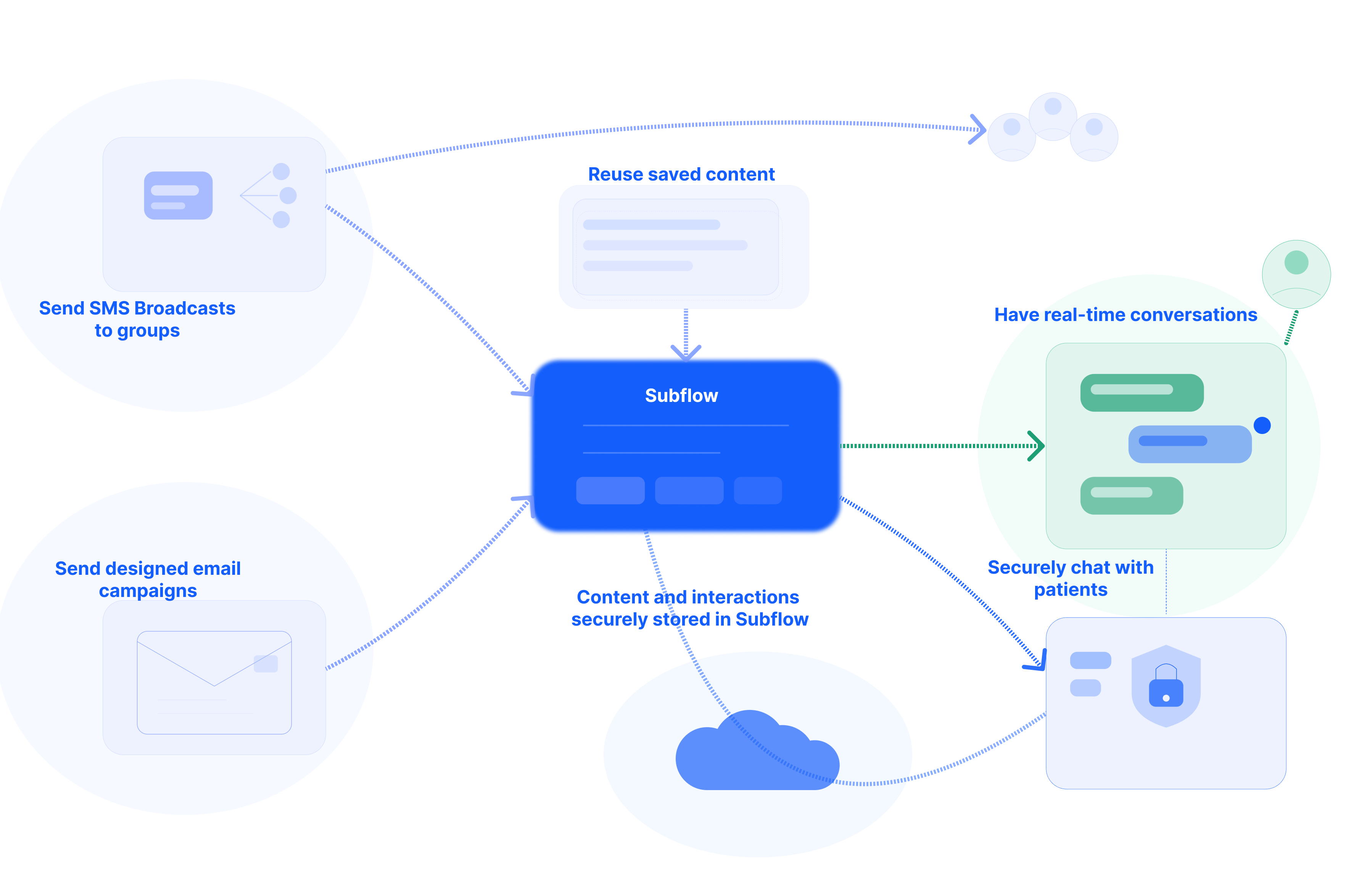
What messaging covers

Messaging in Subflow is organized around five features:

•        SMS broadcasts: one-to-many text messages sent to one or more patient segments.

•        Email campaigns: designed emails sent to segments or individual contacts.

•        Two-way conversations: real-time SMS exchanges between you and your patients.

•        Message templates: reusable SMS or email content that can be used across the other channels.

•        Secure Chat: a higher-security mode of two-way conversations for sensitive health information.

✏️ Each channel is accessed from the Messaging section of the platform. Patients receive every message on their personal phone or email, and no patient portal or app is required.

Expand each section below to learn more about a specific Messaging feature.

An SMS broadcast is a single text message sent to a group of patients at the same time. Broadcasts are built around segments: before sending a broadcast, the recipient segment must already exist. When creating a broadcast, you can:

  • Select up to three segments as recipients.

  • Type a message directly or load a saved message template.

  • Attach files, forms, courses, or meeting links. Attaching resources hosted in Subflow also captures engagement data such as clicks and views.

  • Personalize the message using contact properties or fields collected through forms.

  • Send the broadcast immediately or schedule it for a later date and time.

Broadcasts can be edited while in draft. Once a broadcast has been sent or scheduled, the content can no longer be edited, but a scheduled broadcast can still be canceled or archived before it goes out.

SMS broadcasts are best when the same short message needs to reach a defined group of patients at once, for example, a clinic closure notice, a satisfaction survey reminder, or a quarterly check-in.

Email campaigns serve the same one-to-many purpose as SMS broadcasts, but for email instead of text. Campaigns are created and sent separately from SMS broadcasts and use a visual drag-and-drop editor instead of a plain text field.

When creating an email campaign, you can:

  • Design the email visually, including logos, formatted text, and links.

  • Add a recipient segment or individual contacts.

  • Preview the finished email before sending.

  • Send immediately or schedule for a later date and time.

After sending, the campaign view shows exactly what was sent and when, or what is still scheduled.

Email campaigns are best when the message benefits from visual design, for example, branded patient newsletters, educational announcements, or longer communications that would be hard to read as a single SMS.

Two-way conversations are the real-time text exchange between you and your patients. When you or a workflow sends an SMS, the patient receives it on their phone like any other text message. The patient can reply directly from their phone; there is no portal to log into and no app to install.

Incoming replies appear in the conversation view, where you can:

  • See unread messages flagged with a blue indicator.

  • Reply with free-form text or by inserting a saved message template.

  • Distinguish automated workflow messages from messages you sent directly.

✏️ Many messages in the conversation view are sent by workflows rather than staff. They appear labeled as Automated in place of a sender's name and may use a message template or content defined in the workflow.

Two-way conversations are best for individual back-and-forth communication, answering a patient's question, confirming an appointment detail, or following up on a single response. Unlike a broadcast, the exchange is one-to-one and ongoing.

✏️ Standard SMS is not a secure channel. If the exchange involves sensitive health information, such as lab results or clinical findings, switch to Secure Chat before sending. See Use Secure Chat for instructions.

Message templates are pre-written, reusable pieces of content. Each template has a title, the message body, and optional tags that make it searchable. Templates exist for both SMS and email. A saved template can be used in three places:

  • Inside a two-way conversation, to reply quickly to a patient.

  • Inside an SMS broadcast or email campaign, as the starting content.

  • Inside a workflow, when an automated message is sent.

When a template is loaded into a message, you can still edit or personalize it before sending.

Templates are best for messages that are sent repeatedly, such as appointment reminders, intake instructions, recurring approval requests, or standard answers to frequently asked patient questions.

Secure Chat is a higher-security mode within two-way conversations. It is used when the message content includes sensitive health information that should not be sent via standard SMS, such as lab results, diagnostic details, or other clinical findings.

For you, Secure Chat is enabled by toggling a button on the conversation. The conversation view in Subflow stays the same. For the patient, the experience is different: instead of receiving a plain-text message, they receive a link that opens an encrypted web chat in their browser.

Secure Chat is best for exchanges involving protected health information, beyond logistics or general guidance. Standard SMS remains appropriate for sending non-sensitive content like appointment reminders, links to forms, or scheduling questions.

Choosing a channel

Refer to the table below for guidance on which channel best fits common communication needs:

Action

Channel

Send a short text update to a defined group of patients

SMS broadcast

Send a designed, visual message to a defined group of patients

Email campaign

Have a real-time text exchange with one patient

Two-way conversation

Reuse the same content across multiple messages or channels

Message template

Discuss sensitive health information with one patient

Secure Chat

Related articles

Now that you understand how messaging works in Subflow, check these related articles to start using each channel.

•        Create an SMS Broadcast: Send a text message to up to three segments at once, with personalization and the option to schedule for later.

•        Manage a Broadcast: Cancel a scheduled broadcast, archive completed ones to keep the list clean, or restore an archived broadcast when needed.

•        Create an Email Campaign: Design a visual email with the drag-and-drop editor, add recipients, preview the result, and send or schedule it.

•        Create a Message Template: Save reusable SMS and email content so it can be selected in broadcasts, two-way conversations, and workflow messaging nodes.

•        Manage Two-Way Conversations: Read incoming patient replies, distinguish automated from staff-sent messages, and respond using a template or free-form text.

•        Use Secure Chat: Switch a conversation to encrypted web chat when discussing sensitive health information, and toggle back to standard SMS when the exchange is complete.